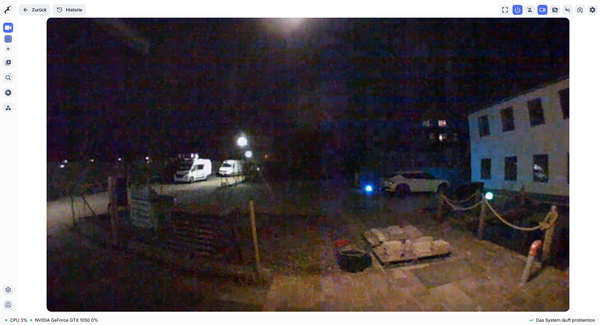
frigate
Frigate 0.17.1 update
We update Frigate to 0.17.1.
frigate
We update Frigate to 0.17.1.
frigate
We install pending updates.
frigate
After a config change in the web ui frigate is not starting up again.
frigate
During updating our frigate server we discovered a problem updating the nvidia-container-toolit-base package.
frigate
We cannot update the Ceph packages as they are no longer available, we need to update the apt config.
frigate
We want to increase the default video retain time to one week.
frigate
When looking at the birdseye view ingo2rtc we only get an error message.
frigate
As the login to our frigate WebUI was not possible we resetted the password.
frigate
To store the video data we use the existing ceph storage. We add a 10 GBE card to the server, install a ceph client, create an rbd image and mount that image as video disk into our video server and frigate container.
frigate
Due to a hardware error we have to replace our frigate server with new hardware. Therefore we reuse old workstation hardware with 16 GB RAM and a XEON CPU.
frigate
We extended the Frigate config to add the cam-02.
frigate
We add a Reolink TrackMix PoE 4K camera as cam-02.
netbox
We add a netbox entry for our camera cam-02.
opnsense
We need to setup a NTP server on opnsense for the VIDEO_LAN and adjust the NTP settings for all cameras.
netbox
We add a netbox entry for our camera cam-01
lom
We add a single BliKVM v4 device to our Frigate server srv-01 to remote control the server.