rasmatic
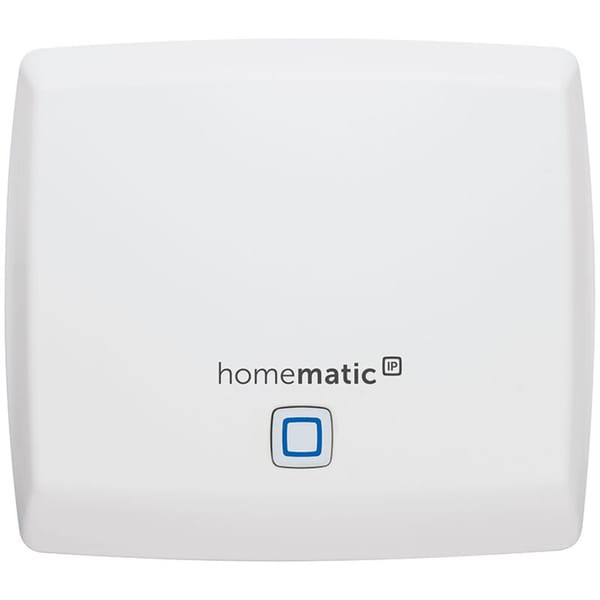
Add second Homematic IP Access Point
We install our second Homematic IP Access Point to extend the range of our Homematic IP network.
rasmatic
We install our second Homematic IP Access Point to extend the range of our Homematic IP network.
automate
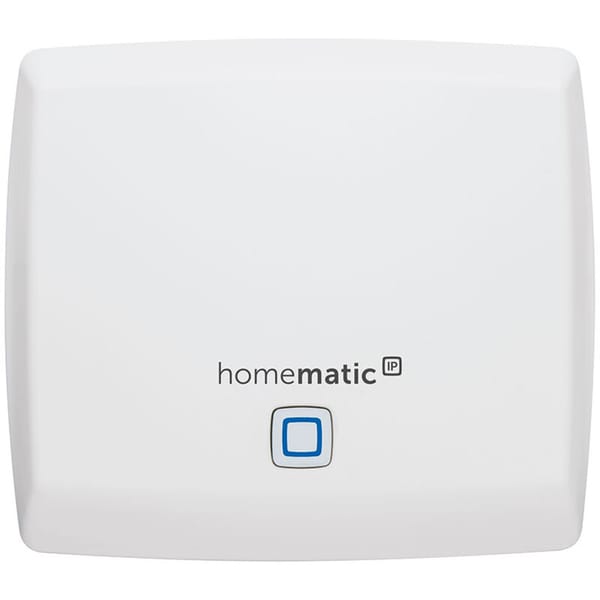
We install our first Homematic IP Access Point to extend the ragen of our Homematic IP network.
client-sunshine
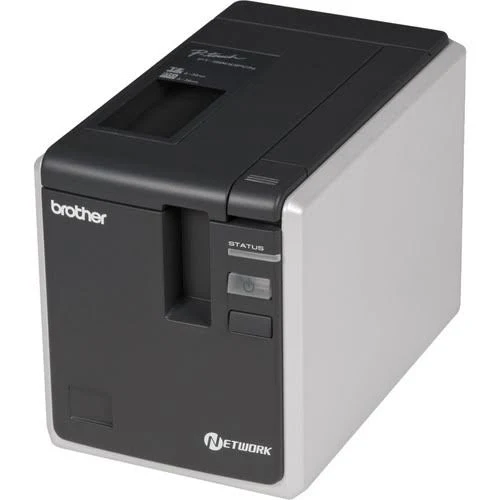
We install the drivers for our Brother P-touch label printer 9800PCN on a Linux Mint client for the network connected printer.
fpp-vm
We setup a new VM for the Falcon Pi Player (fpp).
automate
We reuse an old Amazon Fire tablet with a browser in kiosk mode to show a Home Assistant dashboard.
automate
We add more smart sockets for our building automation.
netbox
We added the netbox documentation for our DIY controller of our heating circuit manifold monitoring.
automate
As we want to add the sprinkler functionality to the controller we need to switch from WLED to ESPHome.
netbox
We added the netbox documentation for our DIY controller of our standing lamp.
kopia
As we now use our TrueNAS to write the backups to we remove the kopia server and vm.
netbox
We added kopia to our netbox documentation.
omada
We replace the existing POE switch in the server cabinet to move it into the WAN cabinet. In the server cabinet we use a new TP-Link SG3428X which is enabled for 1 GB and has 10 GB LWL SFP+ uplinks.
omada
Our server switch switch will become our new GLT switch, so we rename it to sw05 and change it's IP address.
netbox
We add the ghost-dev VM to our netbox documentation.
netbox
We add the mealie VM to our netbox documentation.
netbox
We add an IP range for the DMZ_LAN to our netbox documentation.